Amazon Drive1.9.1.147.0
Publisher Description

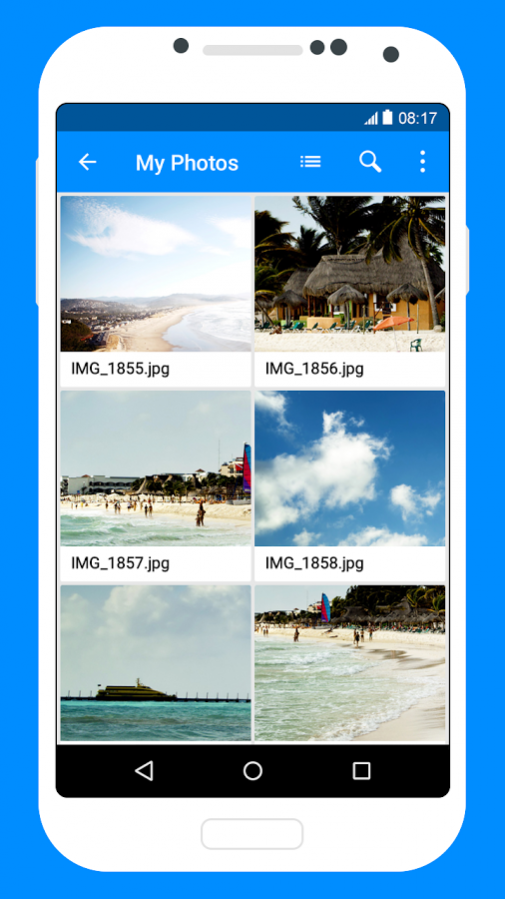
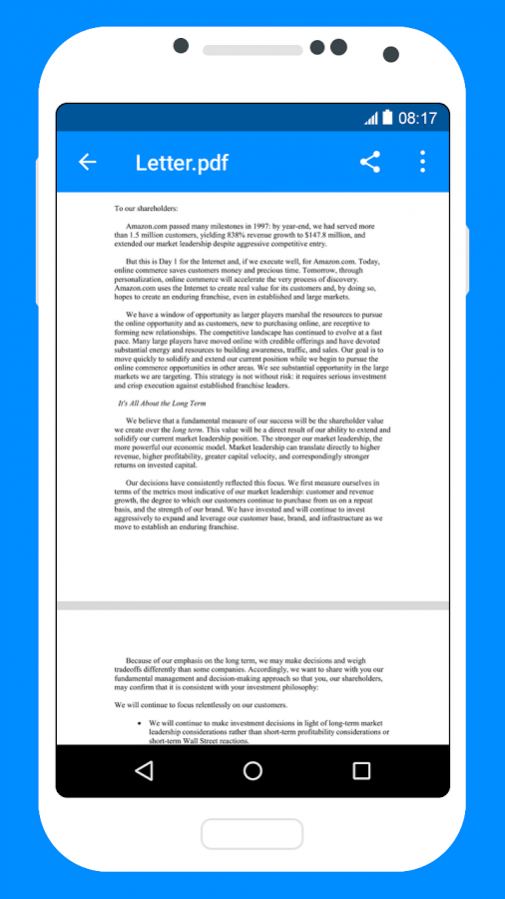
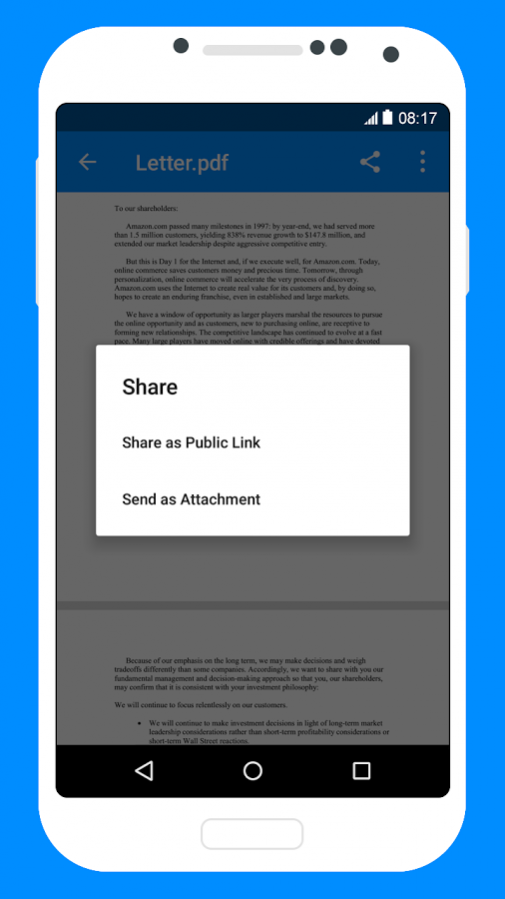
Amazon Drive provides easy access to the documents, music, photos and videos that you have stored in Amazon Drive. Store your important files in Amazon Drive and keep them secure even if your Android is lost or damaged. Upload your content to Amazon Drive from any computer and preview, share and enjoy it on all your devices.
Features:
– Upload photos, videos, documents and other files from your Android device
– Access all the content you have stored in Amazon Drive, no matter what device it came from
– Preview photos, videos, PDF, text and Word documents
– Create folders and move files between them
– Search for, rename and delete files and folders
– Download files to your Android
– Share files as links and attachments through email, text message and other apps
About Amazon Drive
The company that develops Amazon Drive is Amazon Mobile LLC. The latest version released by its developer is 1.9.1.147.0.
To install Amazon Drive on your Android device, just click the green Continue To App button above to start the installation process. The app is listed on our website since 2018-01-08 and was downloaded 4 times. We have already checked if the download link is safe, however for your own protection we recommend that you scan the downloaded app with your antivirus. Your antivirus may detect the Amazon Drive as malware as malware if the download link to com.amazon.drive is broken.
How to install Amazon Drive on your Android device:
- Click on the Continue To App button on our website. This will redirect you to Google Play.
- Once the Amazon Drive is shown in the Google Play listing of your Android device, you can start its download and installation. Tap on the Install button located below the search bar and to the right of the app icon.
- A pop-up window with the permissions required by Amazon Drive will be shown. Click on Accept to continue the process.
- Amazon Drive will be downloaded onto your device, displaying a progress. Once the download completes, the installation will start and you'll get a notification after the installation is finished.
Program Details
System requirements
Download information
Pricing
Version History
version 1.9.1.147.0-google
posted on 2018-01-08
- Quick, and easy access to recent files
- Easy bulk upload of photos and videos to Amazon Drive
- Easy navigation to Settings page from root, folders and subfolders
- Better sort experience
- Bulk select files and folders
- Bug fixes
version 1.8.0.11.4-google_11023010
posted on 2017-01-09
What's New:,- Bug fixes
version 1.7.0.21.0-google_10017910
posted on 2016-09-21
What's New:,- Improved Help and Feedback,- Bug fixes
